

Where Can AI Actually Help a Construction Office?
AI can help a construction office draft daily reports, prepare RFIs, summarize meetings, search project records, and compare proposals. The best starting point is a recurring administrative task where an experienced employee can quickly verify the result.
In the 2026 AGC/Sage Construction Hiring and Business Outlook survey, 45% of respondents reported using AI for office and administrative functions, compared with 23% for estimating and 20% for design or preconstruction. AGC/Sage survey report.
For a contractor managing several projects, the opportunity could be less time turning field notes into paperwork or searching email for an answer. The value depends on whether AI reduces the total work, including checking and correcting its output.
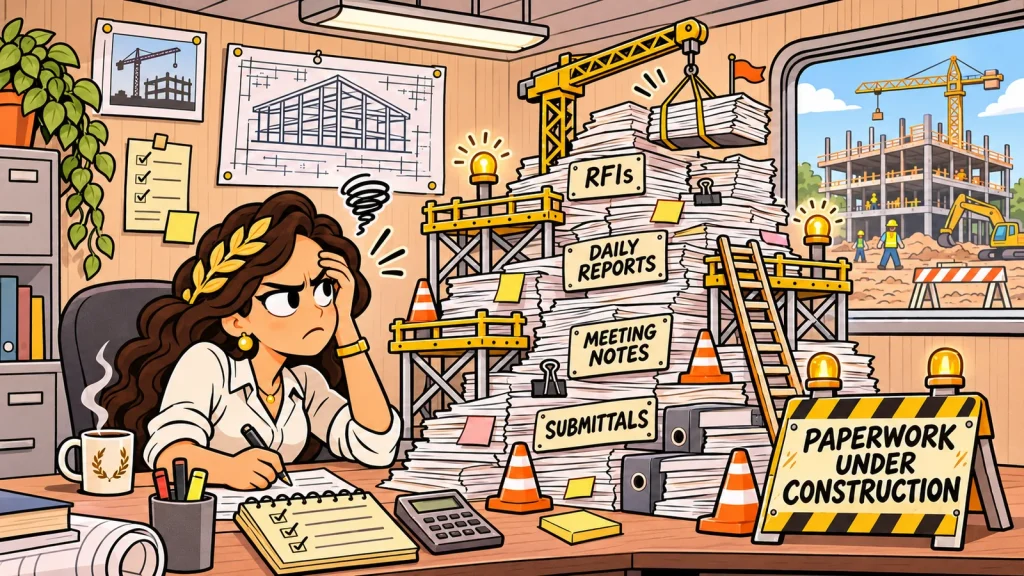
Which Construction Office Tasks Are Worth Trying?
Daily reports. AI can organize rough field notes into a consistent report format. Tell it to use only the supplied information and flag missing details. The superintendent checks the draft before it becomes a project record.
RFIs and correspondence. A project manager can use AI to turn notes into a clearer request for information or follow-up email. Verify drawing references, dates, and any statements about cost or schedule before sending.
Meeting follow-up. AI can draft minutes and organize action items by person and due date. Review whether a suggestion was actually a decision. “We could deliver Thursday” should not become “Thursday delivery confirmed.”
Project information searches. Tools connected to project records can help locate relevant specifications, submittals, and correspondence. Ask for supporting documents and revisions so someone can verify the answer.
Proposal comparisons. AI can organize inclusions, exclusions, and allowances into a comparison table. An estimator still needs to determine whether the proposals cover equivalent scope. An item that is not mentioned should remain an unanswered question.
These capabilities are appearing in construction platforms. Procore’s Digital Coworker announcement includes tools for project searches, RFIs, daily logs, and document review. Microsoft also supports meeting summaries and suggested action items in Teams, depending on licensing and settings.
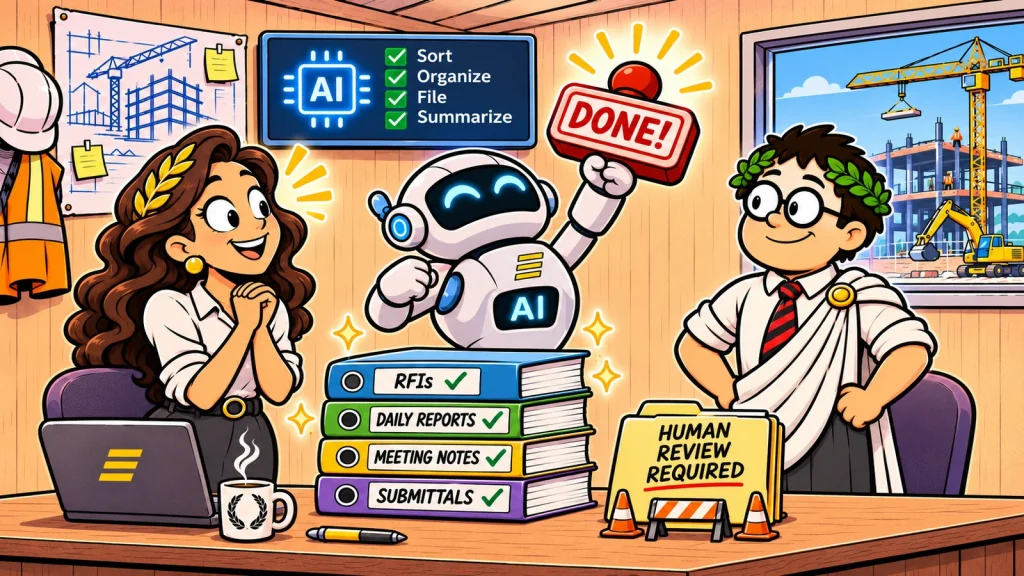
How Should a Contractor Start Using AI?
Choose one employee, one task, and a two-week trial. A daily report or recurring meeting summary is easier to evaluate than a broad instruction to “make the office more efficient.”
Give the tool a clear format and boundaries. For example:
Turn these notes into a draft daily report. Use only the information provided. List missing information separately. Do not invent dates, crew counts, hours, or explanations for delays.
Measure the time required to prepare the input, review the draft, and make corrections. Also check whether the result helps the next person: fewer unanswered questions, clearer responsibilities, or easier access to supporting records.
What Needs to Be Ready Before Connecting Project Files?
Start with a company-approved tool and confirm how it handles your information. Decide which employees can connect project records, what they may upload, and who reviews the output.
Current documents and clear permissions matter. An answer based on an outdated drawing can sound convincing, and connecting an AI tool should not give someone access to confidential files outside their responsibilities.
Before buying another subscription, review the capabilities and controls in software you already use. Include your IT department or technology provider in the evaluation so access, security, and licensing are addressed before the trial expands.
Frequently Asked Questions
Do we need construction-specific AI software?
Not for every task. General office tools may help with drafting and meeting follow-up. Searching project records requires a tool that can access the relevant information and respect its permissions.
Can AI review estimates or contracts?
It can help organize information and flag questions. An experienced person should verify quantities, scope, pricing, obligations, and exclusions before the company relies on the result.
How do we know whether AI is saving time?
Compare the complete process before and during the trial, including review and corrections. Expand its use when the results justify it.
Have a technology problem or question you’d like to discuss?
Coeus Consulting helps construction businesses evaluate practical technology choices and prepare the systems behind them.
Meet Us at the Phoenix Build Expo
We’ll also be at the Phoenix Build Expo, December 9 and 10 at the Phoenix Convention Center. Stop by our booth and talk with Coeus about where AI could help your team.
About Coeus Consulting
Coeus Consulting is a Phoenix-based managed IT services provider and MSSP serving small and mid-sized businesses across managed IT, cybersecurity, cloud, and compliance. We help organizations make practical technology decisions that improve resilience without losing sight of business reality.
About the Author
Linus Malefors
Managing Director, Coeus Consulting
Linus Malefors is an accredited technology consultant with over 30 years of experience serving Phoenix small and mid-sized businesses. He has supported more than 1,000 organizations throughout his career, and his leadership at Coeus Consulting has earned him two MSP Titans of the Industry finalist honors and a place among the 2026 AZ Champions of Change finalists. His technology expertise spans cybersecurity, cloud, AI, infrastructure, and regulatory compliance.
Sources referenced in this article: