

Microsoft 365 Outage: A Business Continuity Plan for Phoenix SMBs
The Microsoft 365 outage on November 12, 2026 showed how quickly a provider issue can interrupt email and collaboration. When a cloud service goes down, the first question is often: “Is it just us?” For Phoenix small and midsize businesses that depend on Microsoft 365, a clear continuity plan can keep urgent work moving while the provider restores service.
Microsoft reported connectivity problems with Exchange Online mailboxes and later said multiple Microsoft 365 services could be affected. During its updates, the company said some servers had become unexpectedly unavailable, shifting load to the remaining infrastructure while it worked to restore capacity. The incident is a reminder to plan for service interruptions, even when your own devices and network are working normally.
Read AP’s coverage of the outage. Microsoft 365 administrators can follow tenant-specific updates in the admin center under Health > Service health.
What happened during the Microsoft 365 outage?
Users reported trouble accessing Outlook and Exchange Online. Microsoft’s service updates tracked mailbox access problems under incident EX1550543, then described a wider issue affecting multiple Microsoft 365 services under incident MO1550821. Service impact can vary by organization and connection method, so a service notice is more useful than assuming every employee has the same problem.

During a widespread incident, repeated sign-in attempts or local troubleshooting can add confusion. First check whether other users or locations are affected and look for a Microsoft service update. If the issue is broad, coordinate through your IT provider before changing accounts, reinstalling applications, or resetting passwords.
What should a business do when Microsoft 365 is unavailable?
A simple Microsoft 365 outage response plan gives employees a next step while the provider works on restoration:
- Confirm the scope. Ask whether the problem affects one person, one location, or several users. Check Microsoft’s service health information and note the incident ID if one is posted.
- Choose an approved backup channel. Tell employees where to coordinate urgent work if email or Teams is unavailable. Use a channel your organization has already approved for business communication.
- Name one person to share updates. Set a time for the next internal update, even if the update is that Microsoft has not shared a new resolution estimate. This cuts down on duplicate questions and speculation.
- Protect customer commitments. Identify time-sensitive appointments, deliveries, approvals, and customer messages that may need a phone call or another approved follow-up method.
- Keep a short incident log. Note when the issue started for your team, which workflows were interrupted, what workaround was used, and what still needs follow-up after service returns.
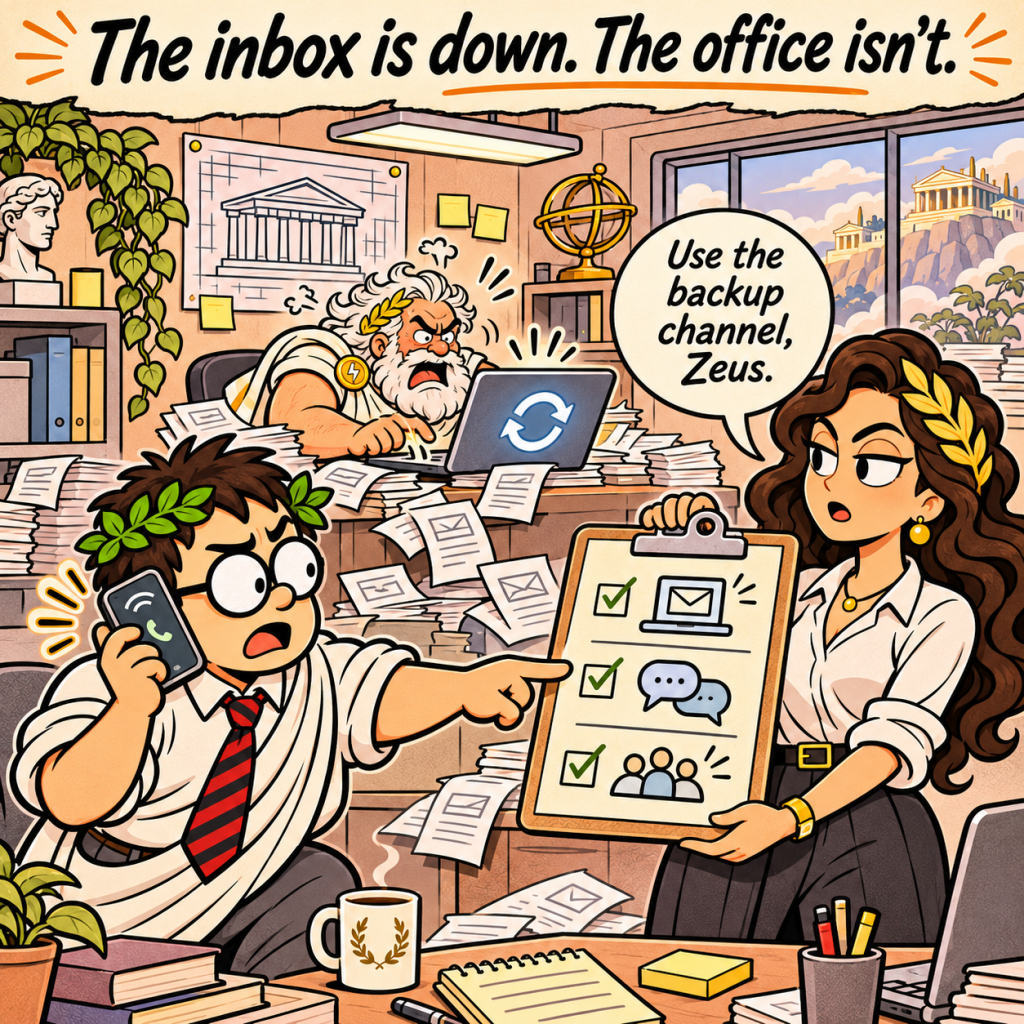
The point is not to recreate every Microsoft 365 feature elsewhere. It is to make sure people know how to communicate and prioritize work during a disruption.
What should you check after service returns?
When Microsoft reports recovery, confirm that the services your team relies on are working again. Check email access, calendars, Teams, shared files, and any business applications tied to Microsoft sign-in. Follow up on messages, approvals, or customer commitments that were handled through a temporary process.
Then review what slowed the team down. Were employees unsure where to get updates? Did managers know which tasks could wait? Did staff have a practical way to contact customers? Use those answers to improve the response plan before the next interruption.
Do backups bring Outlook back online?
Backups and service availability solve different problems. A backup and recovery plan can help restore protected business data after a data loss event. It does not control Microsoft’s infrastructure or make a provider’s cloud service return sooner. Businesses should understand what is backed up, how recovery works, and which services remain dependent on the provider.
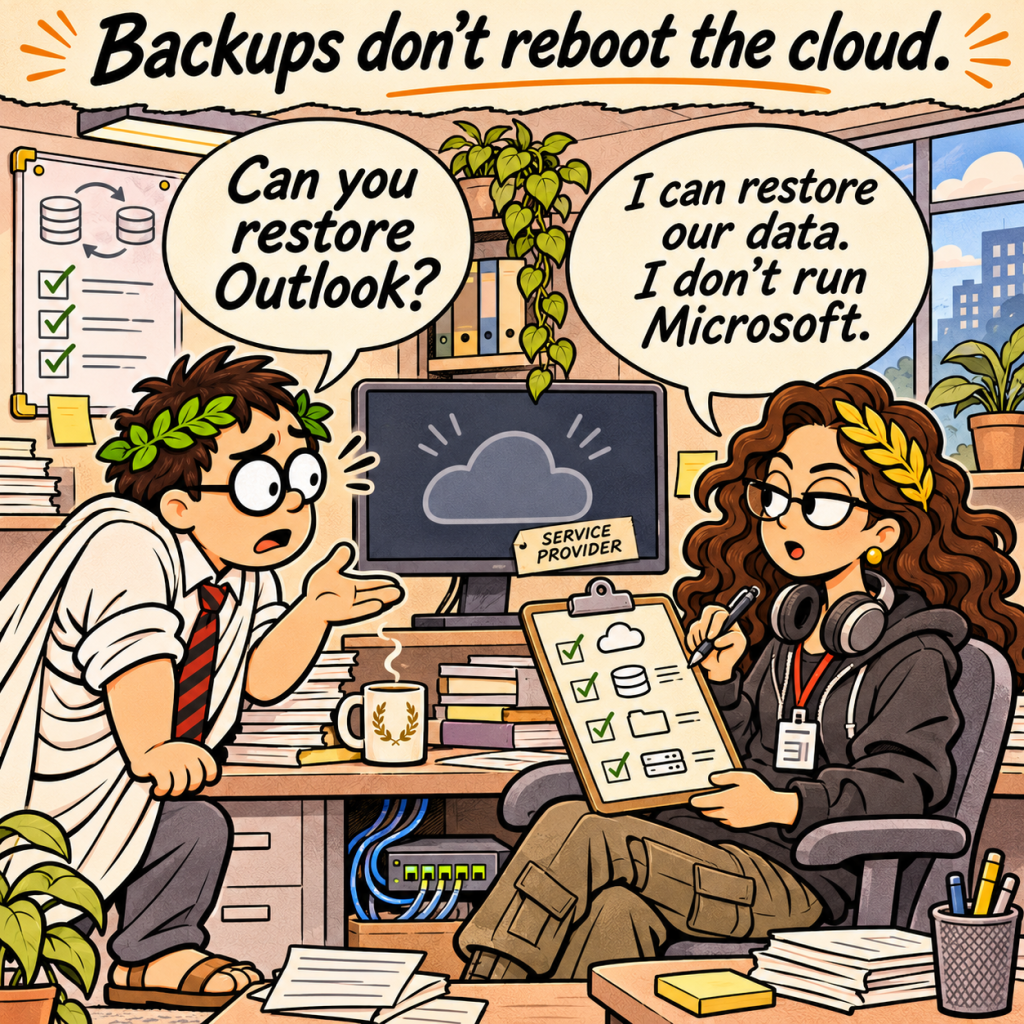
Test recovery procedures before an incident. A documented plan is more useful when staff know who owns each step and the organization has practiced the handoffs.
Frequently asked questions
How can I tell whether an Outlook problem is local or part of a wider outage?
Check whether other users, locations, or devices are affected, then review Microsoft 365 service health. If the admin center is unavailable, use Microsoft’s public status information and your IT provider’s updates. Avoid making broad account changes until you know whether the problem is local or service-wide.
Does a Microsoft 365 outage mean the company has been hacked?
Not by itself. The November 12 service updates described infrastructure and connectivity problems. An outage alone does not establish that an attack occurred. Follow verified service notices and your organization’s incident response process if you see separate signs of suspicious activity.
Should employees keep retrying Outlook?
Follow your IT team’s instructions and Microsoft’s updates. If a widespread incident is confirmed, repeated retries or unplanned account changes may waste time and make it harder to distinguish service impact from a separate device or sign-in issue.
Build a continuity plan before the next Microsoft 365 outage
A provider outage may be outside your control, but your internal response can be prepared. Decide how your team will receive updates, communicate urgent work, keep customer commitments visible, and reconcile tasks after service returns.
Coeus Consulting helps Phoenix-area small and midsize businesses plan and manage the technology that supports their operations. Talk with Coeus about your IT continuity plan.
About Coeus Consulting
Coeus Consulting is a Phoenix-based managed IT services provider and MSSP serving small and midsize businesses across managed IT, cybersecurity, cloud, and compliance. We help organizations make practical technology decisions that improve resilience without losing sight of business reality.